Your Rewards, Where the Shopping Decision Happens: Stabile Rewards Wallet Is Live in ChatGPT


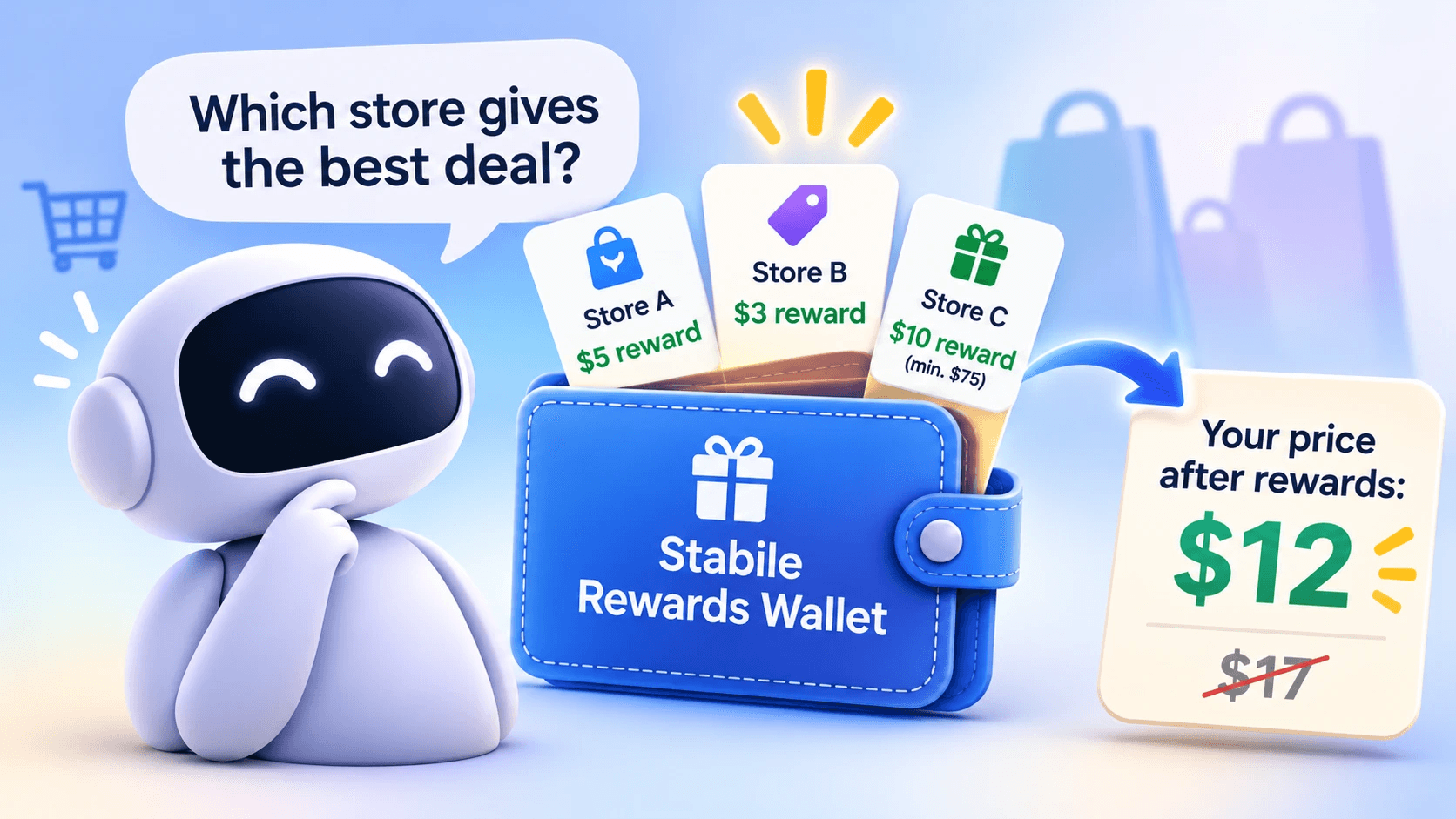
Direct Answer Stabile Rewards Wallet is approved by OpenAI and live in ChatGPT. A reward your store has already issued can now be available where a customer asks about shopping: customers can save rewards from participating Stabile-powered Shopify stores, see their unused codes and expiry dates, and estimate merchandise prices after saved rewards. The important limit: the wallet makes rewards available to the shopper's assistant; it does not choose a store, apply a code, or complete checkout.
The problem, in merchant terms
Imagine a customer asking ChatGPT where to buy a product. Your store has already issued that customer a reward code, but the code is sitting in an email inbox. Unless the customer brings that reward into the conversation, it may not be part of the price comparison.
Introducing Stabile Rewards Wallet for ChatGPT. It works in ChatGPT, for Shopify stores running Stabile.
What your customer experiences
The flow starts with Stabile's reward email, which we turn on during setup:
- A customer earns a reward at your store and receives the reward email.
- The email includes an “Add to my AI reward wallet” button. It opens a Stabile page showing the reward.
- The customer chooses “Open in ChatGPT.” A short message is prefilled, and ChatGPT asks permission to save the reward.
- The customer signs in once with their email and a one-time code.
- The page explains that saving the reward links your store to the customer's wallet. Later rewards from your store then appear automatically while the wallet is on.
- The customer can ask ChatGPT to show saved rewards and unused codes, or compare prices after saved rewards.
- When ready to buy, the customer uses the code at your store's normal checkout.
Customers who do not use the wallet continue to receive and use their reward emails as usual.
What it does for your store
1. Rewards are there when the decision happens
A saved reward is no longer limited to an email the customer has to find and bring into a shopping conversation. After linking your store, the customer can ask ChatGPT what rewards they have and see saved rewards and unused codes across linked stores.
That puts an existing benefit in a place the customer can consult while considering a purchase. The reward is still yours, issued under your program; the wallet gives the customer another way to access it.
2. The reward counts in a price comparison
When a customer asks ChatGPT to compare prices after saved rewards, the wallet can estimate the merchandise total after rewards saved from linked stores. An earned reward can therefore be reflected in the customer's estimated price for your store.
For example, a listed merchandise price of $17 with a saved $5 reward can be shown as an estimated $12 after-reward merchandise price. This is an estimate, not a checkout total: shipping, tax and other discounts are excluded.
The customer still decides what to do, and the wallet does not promote or recommend your store. It makes the reward available when the customer asks for a comparison.
3. A reason to come back
The first reward a customer saves links your store to their wallet. While the wallet is enabled for your store, later rewards from that store appear automatically.
That matters beyond the first saved code. Your next reward does not require the customer to repeat the same save-and-link process. The customer can return to ChatGPT and ask about the rewards they have from your store.
The benefit is continuity: the rewards your program issues over time can remain accessible in the same place.
4. New shoppers can see the offer too
A shopper does not need to sign in to see public reward terms or ask what a cart would earn at a participating store that has published its offer. For example, a customer can ask: “What would a first $60 order earn at [store name]?”
This gives someone who has not linked an account a way to understand the public offer. It is not a promise that ChatGPT will recommend your store or introduce it to shoppers. The customer has to ask about the store or its offer.
5. Nothing for you to build
There is no new discount system, checkout change or technical setup for the merchant. The “Add to my AI reward wallet” button goes into Stabile's reward emails, which we turn on during setup.
Your store continues to issue rewards through its existing Stabile program. The wallet is an additional way for customers to access those rewards; it is not a replacement for your loyalty program or checkout.
6. Trust stays intact
Customers choose whether to save a reward and link your store. They sign in with their own email and a one-time code. The connection is specific to each store: using the same email at another store does not automatically link that store.
Customers can unlink a store or delete the wallet. These choices matter because a reward should not become available in an assistant simply because someone received an email. The customer makes the choice.
You stay in charge
The wallet does not change who sets the rules. Your Shopify discount settings determine whether a code is valid, and your store's checkout validates it. The shopper uses the code at your normal checkout.
The wallet is a store setting in the Stabile app, under AI Reward Wallet in Step 4 of Program Autopilot. It is currently enabled store by store, and you can turn it off at any time. It is not self-serve yet; contact us and we will set it up.
What it doesn't do
It is important to be clear about the boundaries:
- It does not create reward codes from points or spend points. Stabile issues codes automatically on an order when points reach a tier.
- It does not show a customer's points balance.
- It does not apply a code, redeem a reward or check out. The shopper completes those steps at your store.
- The estimated merchandise total excludes shipping, tax and other discounts.
- Codes shown in a chat can be copied or shared. Single-use rules and expiry limit that risk.
The wallet works in ChatGPT only, and only for Shopify stores running Stabile.
How to get it
If your Shopify store already uses Stabile: message us in the app and we'll set up the wallet for your store.
If you're not using Stabile yet: install Stabile's Shopify app, then message us.
If you use another platform or loyalty app: join the interest list.
Your store's customers can open Stabile Rewards Wallet in ChatGPT.
FAQ
Do I need to change my checkout?
No. The customer uses the reward code at your store's normal checkout. Your Shopify discount settings and checkout continue to determine whether it is valid.
Does it work with my current loyalty app?
The wallet currently works with Shopify stores running Stabile. It is not a general connection for other loyalty apps.
Will ChatGPT recommend my store because of it?
That's not what it does. The wallet does not promote or advertise a store. It makes saved rewards available when a shopper asks ChatGPT to show rewards or compare prices after rewards.
Can customers see their points balance?
No. The wallet shows saved rewards, expiry and unused codes for linked stores. It does not show points balances.